1v1.LOL FAQ: How to Play, Controls, Free Access, and Duels
Published · Updated · 6 min read
What is 1v1.LOL and how does it work?
1v1.LOL is a third-person building shooter created by JustPlay.LOL where players construct ramps, walls, and floors while engaging in fast-paced combat. The game runs directly in web browsers using Unity WebGL, combining tactical shooting with instant structure building during online duels.
Released in 2019, the game strips competitive arena combat down to its essential mechanics. Instead of roaming large open maps in search of gear, duels start with a shotgun, a rifle and the ability to place walls, ramps and floors. You can play 1v1.LOL right in an active browser session with no external installations required.
Because cover is built on the fly rather than scavenged across an environment, success depends on how quickly you place defensive structures. A single placed wall can absorb incoming rounds, allowing you to reposition, build higher platforms, or create edited openings to return fire against your opponent.
Is 1v1.LOL free to play online?
Yes, 1v1.LOL is completely free to play online in your web browser with no purchase, download, or account registration required. You can play as a guest without signing up.
The browser edition served at 1v1lol.us.com provides open access to the entire game client. You do not need to register an email address, link third-party accounts, or install launcher software. Clicking the play button launches the Unity engine directly within the browser frame.
Skins, emotes and stickers in the Locker are cosmetic. Guests can play straight away; signing in is only needed to keep progress, rank and trophies.
What are the default controls and building keys in 1v1.LOL?
Default controls use WASD for movement, mouse left-click for shooting, and Z, X, C, and V to place walls, floors, ramps, and roofs. Pressing G enters edit mode on a piece you placed, F toggles the pickaxe and the number keys pick weapon slots.
Here is the full breakdown of standard keyboard and mouse inputs:
| Action | Key / Input | Function |
|---|---|---|
| Move | W, A, S, D | Navigate character across the arena |
| Aim / Shoot | Mouse / Left Click | Aim crosshair and discharge weapons |
| Jump | Space | Leap over obstacles and ascend ramps |
| Wall | Z | Erect defensive wall against incoming fire |
| Floor | X | Lay horizontal platform base |
| Ramp | C | Build inclined stairs to gain high ground |
| Roof | V | Place ceiling tile for overhead protection |
| Edit Structure | G | Cut openings like windows and doors |
| Pickaxe | F | Toggle the pickaxe to break structures and gather materials |
| Reload | R | Reload the weapon in your hand |
| Weapon Selection | 1, 2, 3, 4, 5 | Switch between weapon slots |
| Menu / Release Mouse | Esc | Free mouse cursor and view keybind settings |
To aim smoothly, click inside the game canvas so your browser captures the mouse pointer. If you need to access system tabs or reconfigure bindings, hit the Esc key to regain cursor control and open the settings menu where every keybind can be customized.
How do you win 1v1 duels against other players?
To win duels in 1v1.LOL, place a wall immediately to block incoming damage, construct ramps to secure the high ground, and swap to your shotgun at close range. Gaining elevation gives you superior shooting angles while drilling quick window edits lets you strike safely from cover.
Success in arena duels relies on established combat habits rather than erratic jumping. Keep these core principles in mind during every duel:
- Wall first, then think: When an encounter starts, drop a wall between yourself and the opponent before attempting to aim or reload. Every tactical decision happens safely behind established cover.
- Ramp for height, not distance: Ascending a ramp grants high ground advantage. Firing downward creates larger hitboxes on your rival, swinging shotgun exchanges heavily in your favor.
- Master the window edit: Look at your own wall, press G, click the tiles to remove, press G again to apply, shoot through the gap, then place a new wall to close it.
- Select the right weapon distance: Engage with the assault rifle across long distances, but switch to the shotgun the instant an opponent enters within one wall length.
- Practice without pressure: Spend time in Practice mode rehearsing ninety-degree turns until key combinations become second nature.
Can you play 1v1.LOL multiplayer with friends?
Yes. Open Play With Friends, create a party and share its party code; a friend enters the code to join. Custom games such as 1v1, Box Fight and Zone Wars are played inside a party.
A party also lets you queue into matchmade modes together. All players in a party must be on the same game version.
If your friends are offline, the standard online matchmaker pairs you with active opponents across public servers. Queue times remain rapid during peak hours, while the solo Practice mode lets you warm up building patterns alone whenever you prefer solo training.
Which game modes are available in 1v1.LOL?
The mode menu is split into Practice, Casual Modes, Trophy Modes and Custom Games. The main matchmade modes are ranked 1v1 Clash and Battle Royale; custom games and practice modes sit beside them. Our modes guide covers each one in detail.
Here is what you can expect from each available game mode:
- 1v1 Clash: The ranked duel against one opponent, with trophies and divisions from Bronze to Elite.
- Custom games: Played in a party, including 1v1, Box Fight, Zone Wars, Deathmatch and Zombies.
- Battle Royale (BR): Up to 16 players, loot crates and a shrinking zone until one player or team remains.
- Practice: Free Build, Aim Trainer and practice matches against bots.
Does 1v1.LOL work unblocked on a school Chromebook?
1v1.LOL runs on school Chromebooks through an ordinary web browser tab on 1v1lol.us.com without requiring software installation or local administrative privileges. Because the title operates via WebGL, it remains playable as an unblocked game on standard student hardware provided local network firewalls permit domain access.
Chromebooks handle the game smoothly because modern Chrome OS builds include native WebGL hardware acceleration. Because the game files are served directly over the web, you do not need administrative rights or access to Google Play Store downloads to start playing.
Keep in mind that school systems manage their own local web filtering rules. If an institution explicitly blocks the domain, access depends entirely on network administrators updating their permitted site lists.
Why does 1v1.LOL take a long time to load?
1v1.LOL takes longer to load during your first visit because the browser must download the entire Unity WebGL engine and asset archive before launching. After this initial transfer completes, your browser caches the assets locally, allowing subsequent gaming sessions to load significantly faster.
Because Unity browser packages contain high-definition 3D character models, audio files, and script assemblies, the initial progress bar reflects genuine data transfer. Avoid refreshing the tab or navigating away while the loading meter advances so the download can finish cleanly.
To ensure smooth performance once loaded, close unnecessary background tabs that consume system memory. Because duels are calculated online in real time, maintaining a steady network connection helps prevent latency spikes during intense building trades.
What browser games are similar to 1v1.LOL?
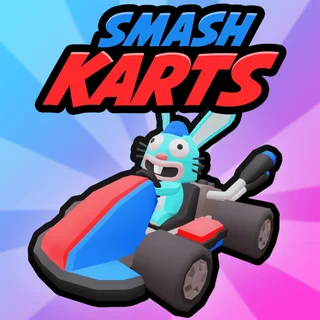
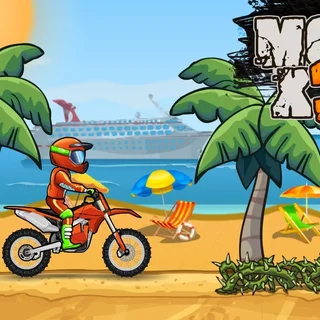
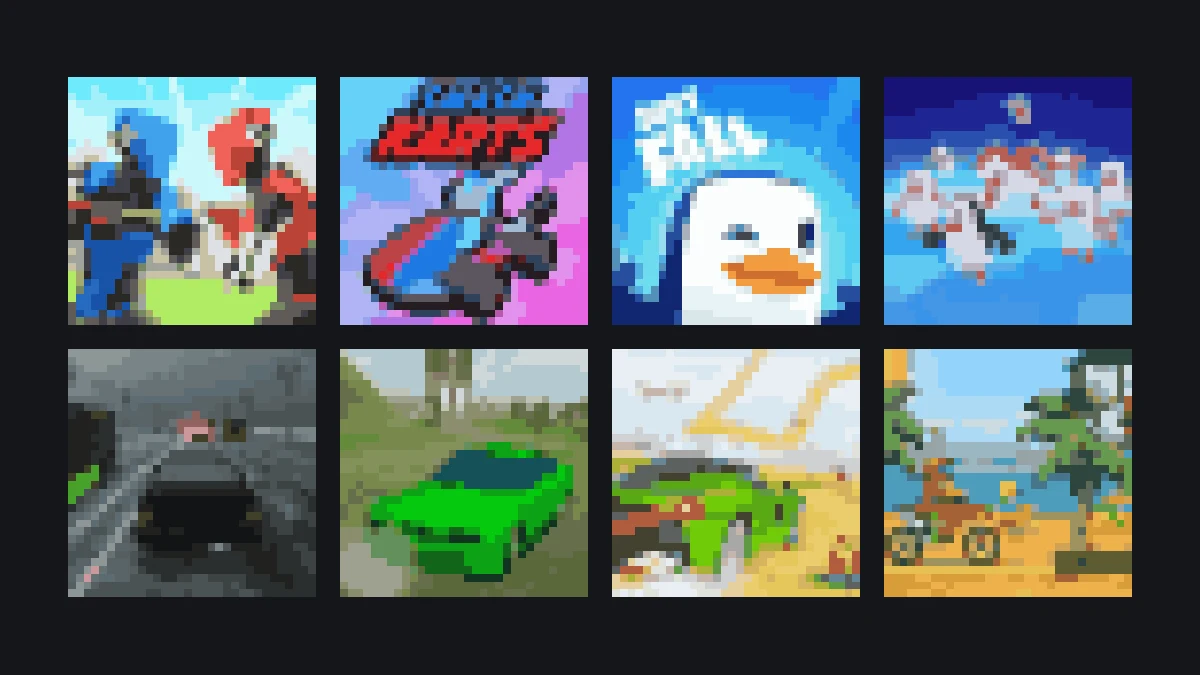
Players who enjoy fast online arena action will find similar excitement in JustFall.lol, another multiplayer title created by JustPlay.LOL featuring agile movement on shrinking platforms. Other lightweight browser titles on this platform include Smash Karts, Moto X3M, and Run 3.
JustFall.lol offers a pure multiplayer platformer experience where participants dodge obstacles, bounce across collapsing hexagonal floors, and compete to remain the last player standing. It shares the responsive browser performance and zero-install accessibility that define 1v1.LOL.
For players seeking varied gameplay between shooter sessions, titles like Smash Karts provide three-dimensional driving combat, while classic skill games like Run 3 and Moto X3M offer fast-paced obstacle navigation directly within your browser window.
More from the blog
- 1v1.LOL Building Guide: Build Keys, G to Edit, and the 90
The four build keys, how editing works with G in this version, the settings that change building, and three patterns worth drilling.
- 1v1.LOL Modes: 1v1 Clash, Battle Royale, Practice and Custom
What sits behind each heading in the 1v1.LOL mode menu: ranked 1v1 Clash, 16-player Battle Royale, practice modes, custom games and parties.